Your data stays yours
Everything lives on your device by default, with iCloud backup and/or manual import and export of your database.
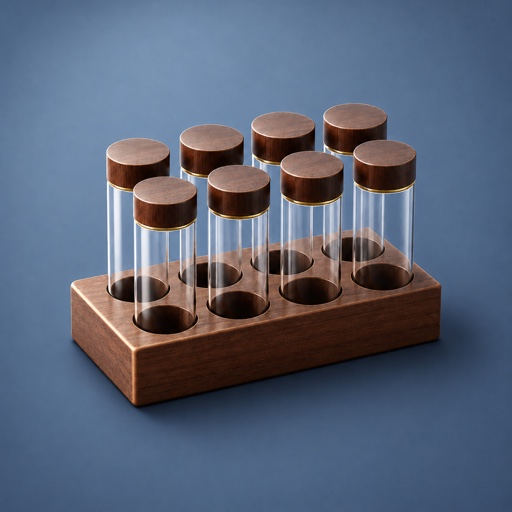
Coffee Cellar & Diary keeps your beans, roast dates, and tasting notes in one place. Buy once, no IAPs, own it forever.

Out now for iPhone and iPad
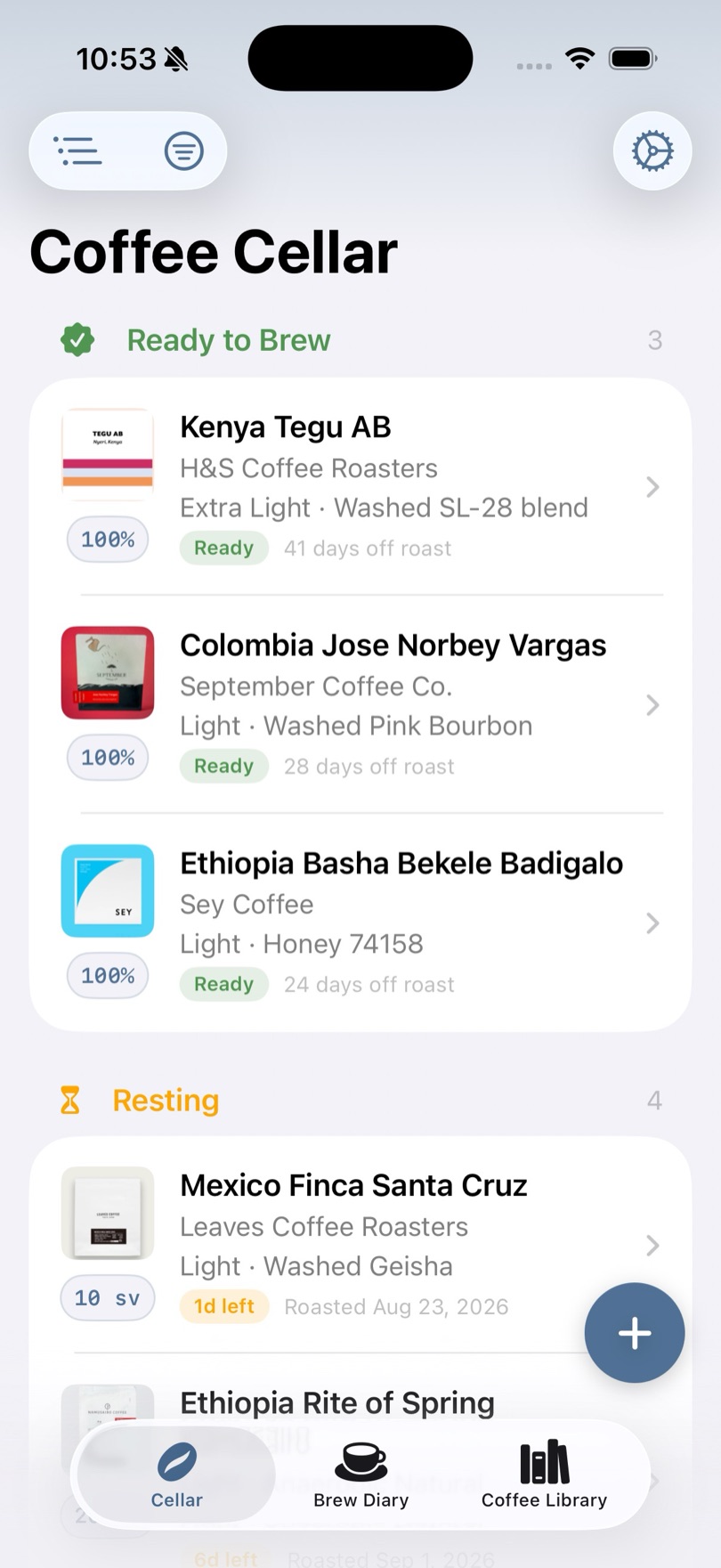
Log each bag with its roaster, origin, process, variety, and roast date, and Coffee Cellar handles the rest. When a bag finishes resting, you'll get a notification the moment it's ready to brew.
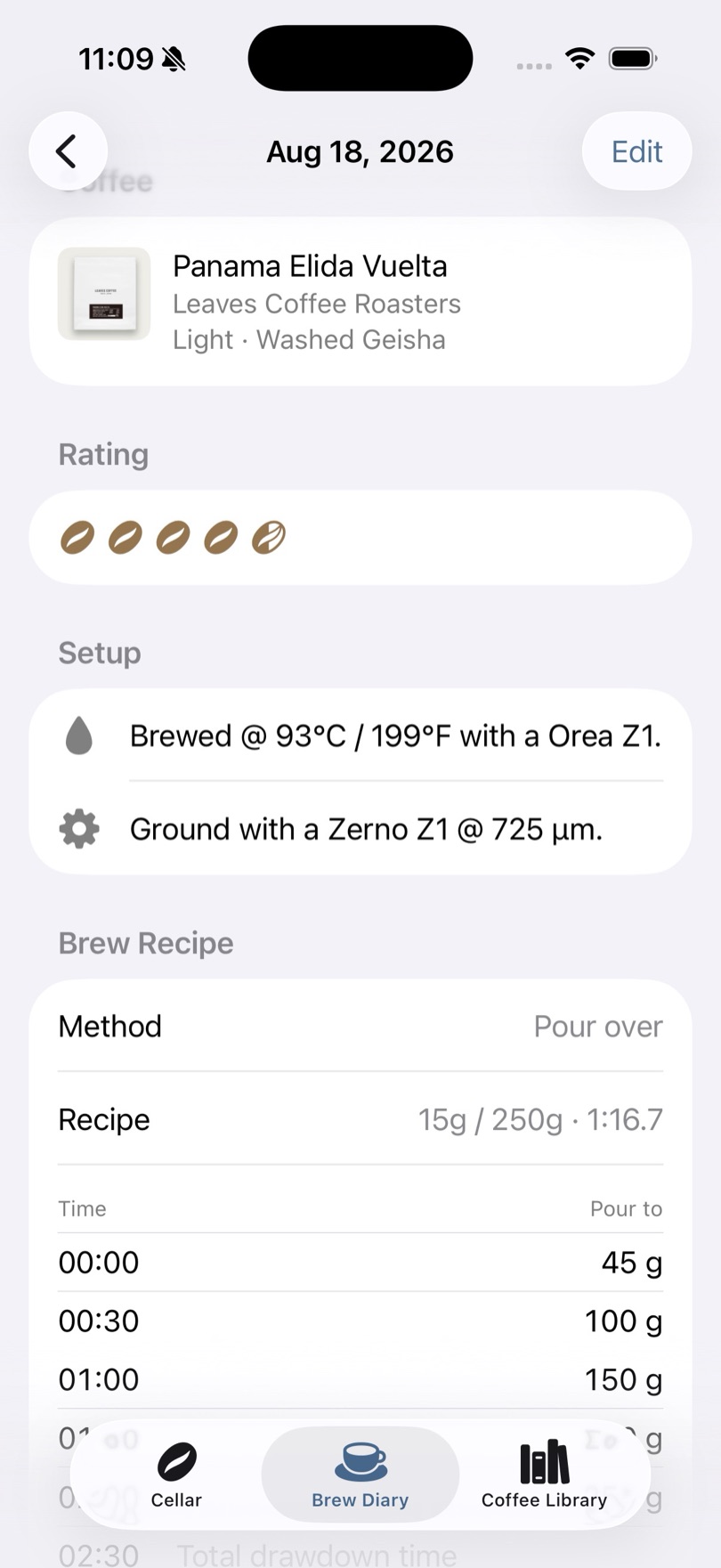
Pour-over and espresso each get their own recipe tools: timed pour schedules for one, shot pressure and time for the other, alongside dose, ratio, and water temperature for any method.
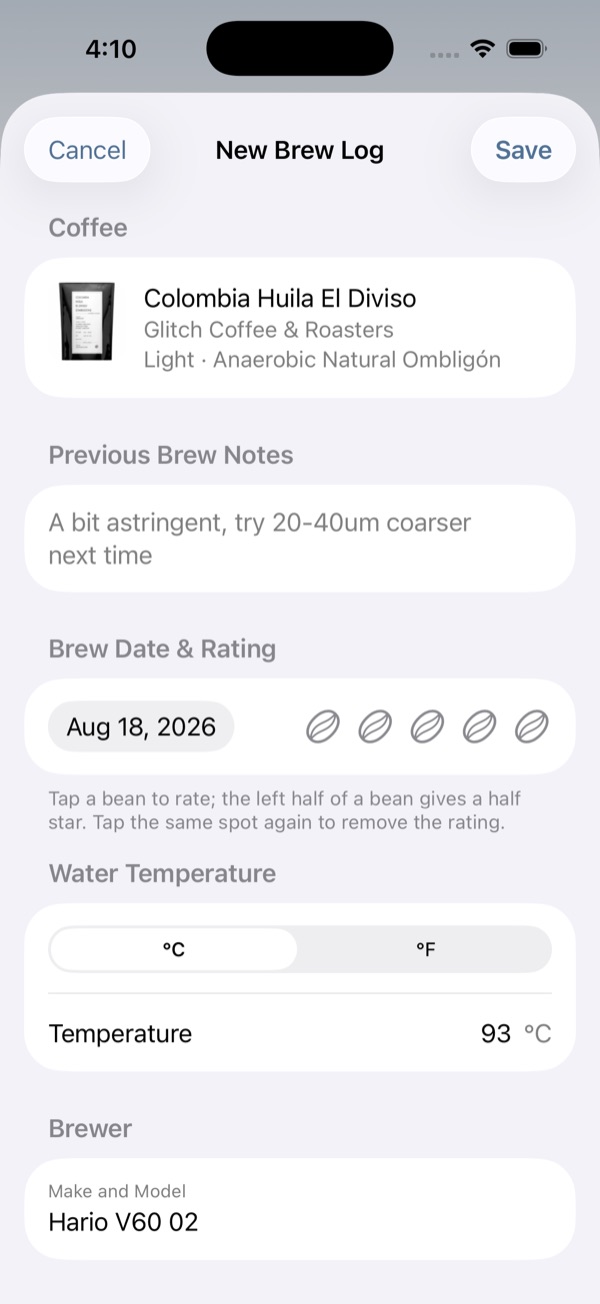
Brewing a coffee you've made before pulls in your last recipe, grinder, and settings automatically, along with the note you left yourself last time, so you know exactly what to change.
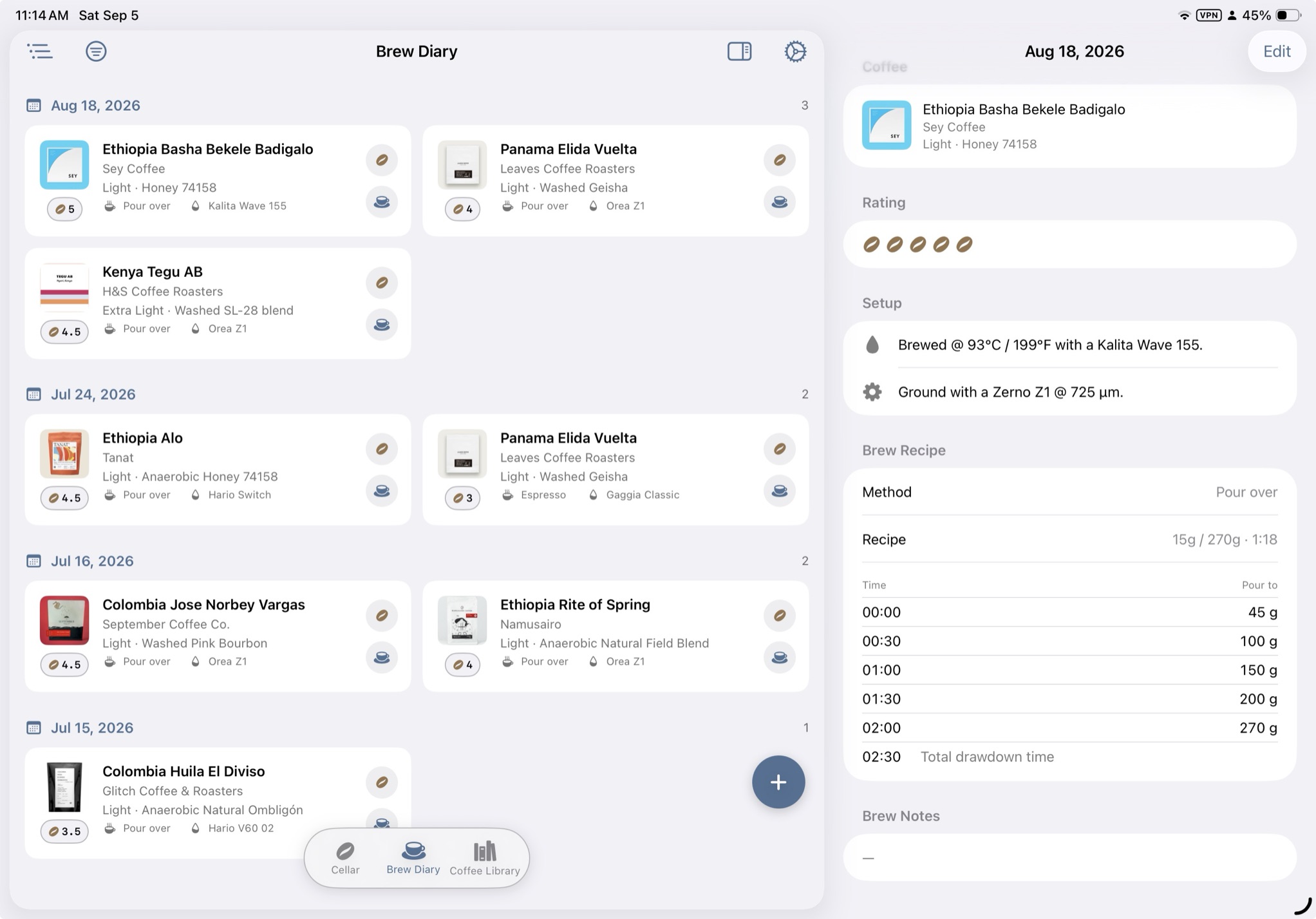
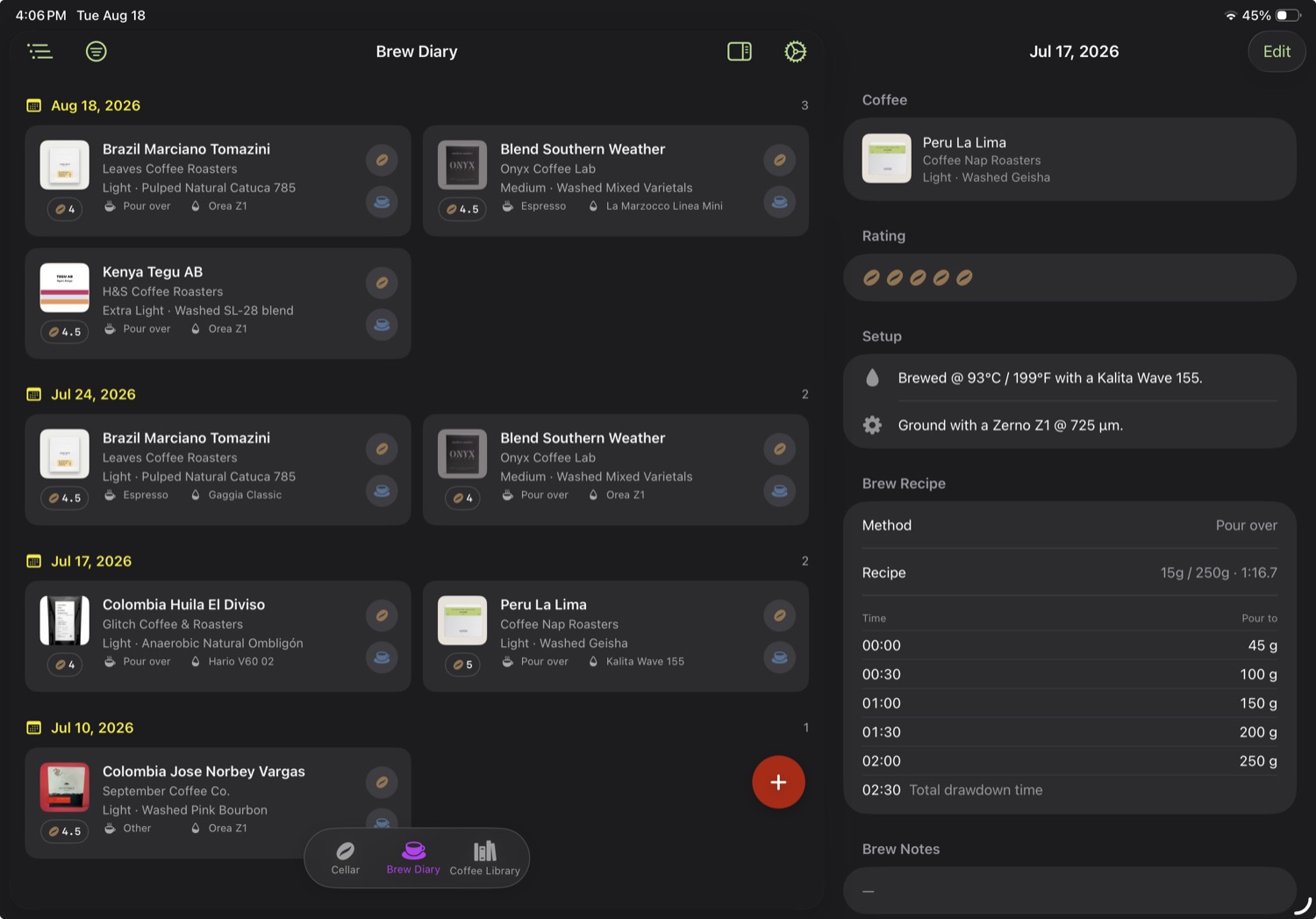
Leverage the added screen real estate on iPad to get a full view of the whole collection at a glance. For when things start getting real serious. And with iCloud sync, all your devices will have the latest data at all times.
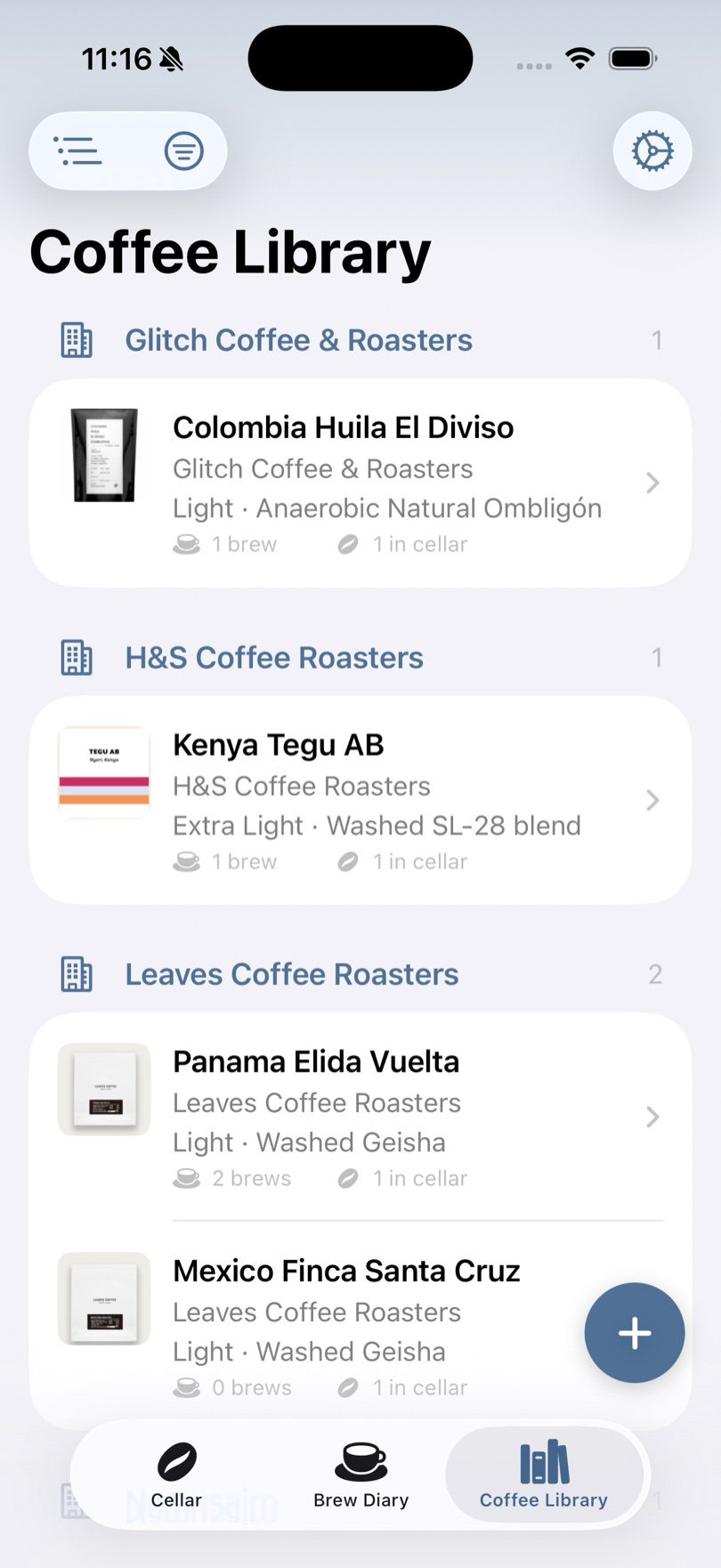
Every coffee you've ever logged, grouped by roaster and counted by brews and bags in the cellar, cataloguing your very own coffee experience.
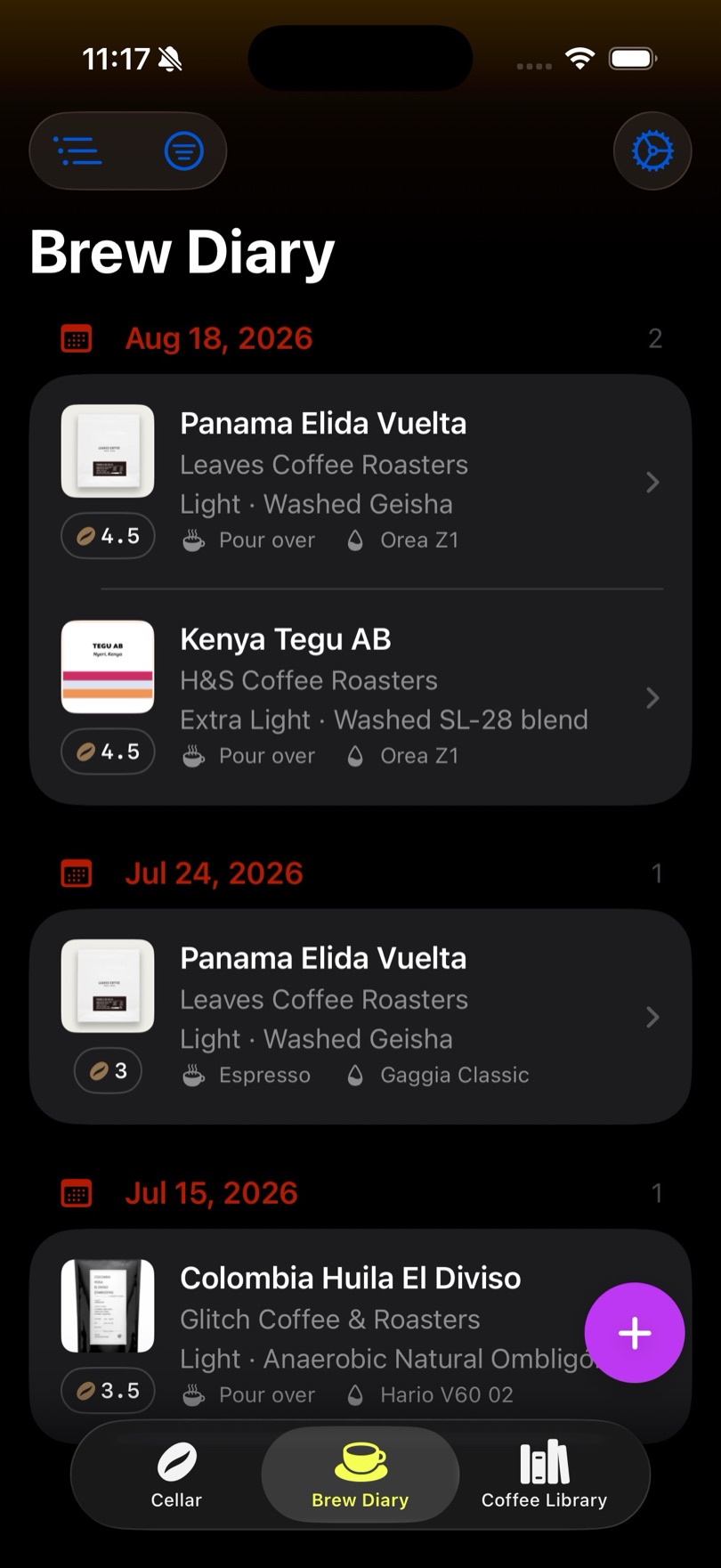
Light mode, dark mode, and individual accent colours for however you're feeling about it. Even if you want to mix red and neon green.
Four icons ship with the app: the cellar rack in blue or green, and a flat monochrome mark in light or dark. Switch whenever you like.


Everything lives on your device by default, with iCloud backup and/or manual import and export of your database.
There's no account to create, no ads, and no subscription. You buy it once and you own it forever.
I read everything. Email is best for anything detailed; Reddit is good for the quick stuff and for following along as the app grows.